
Find and save a race
Let the coach research a race, then add it so plans have a real end date.
Updated 4 November 2026
A saved race gives your plans a real deadline and lets the coach plan around the event. Races are found by the coach, which researches the event on the web and shows you a race card. Nothing is saved until you press Add race & set estimate or Add race.
Where to find it
Races page and the coach
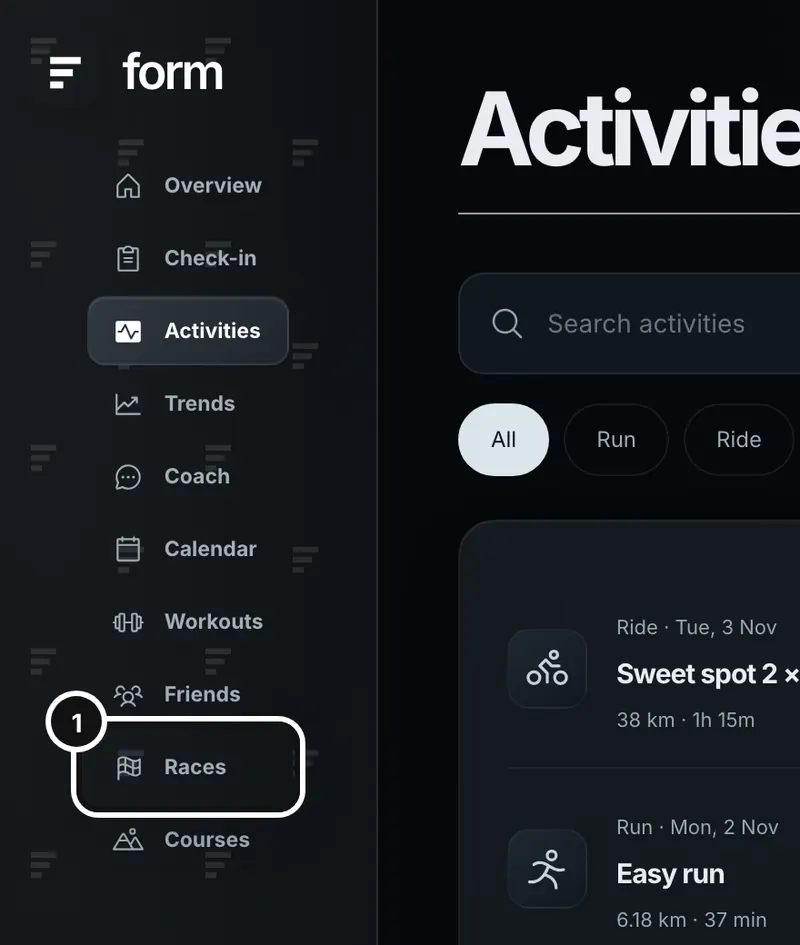
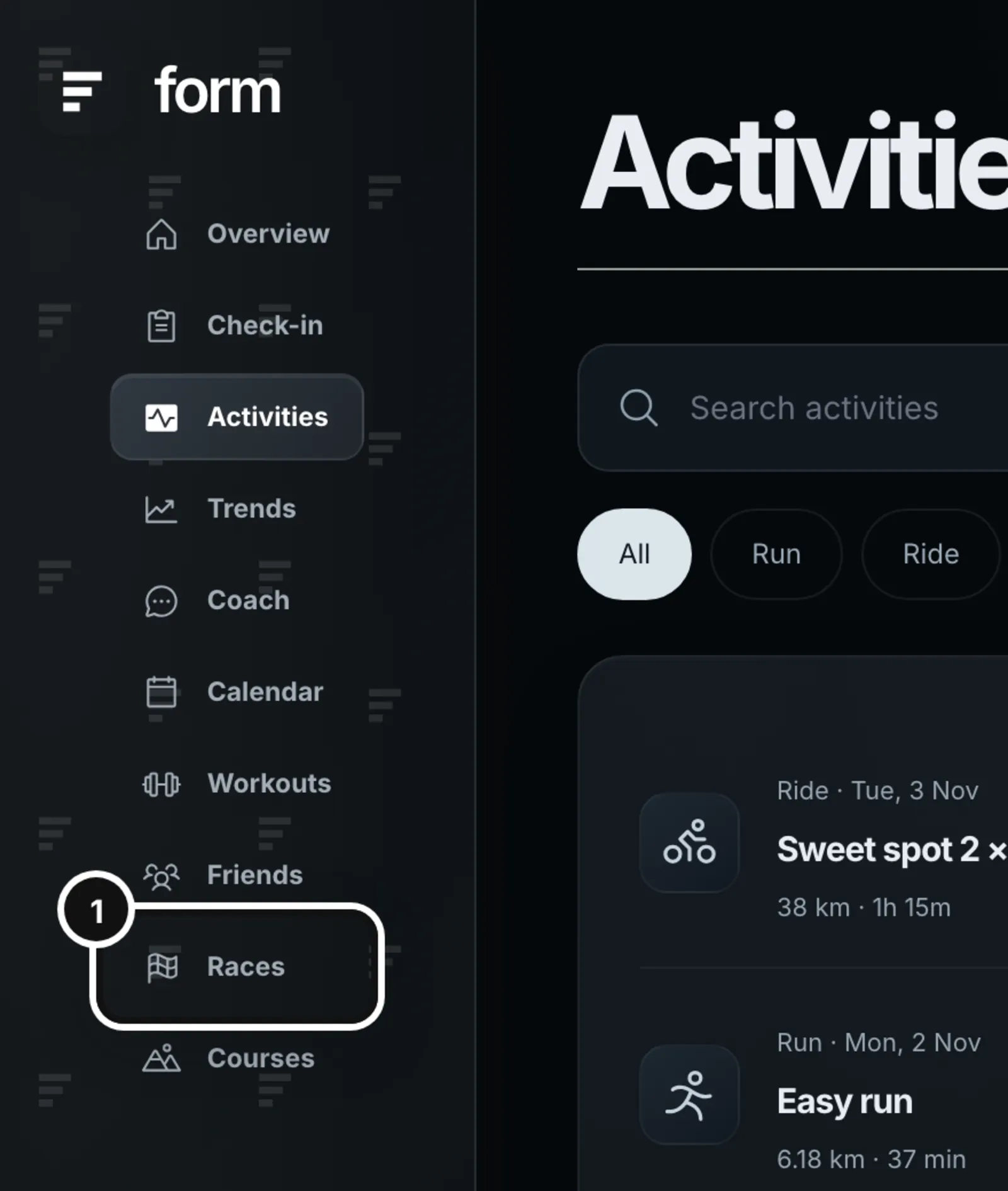
1Click Races in the left sidebar to see the races you have saved.
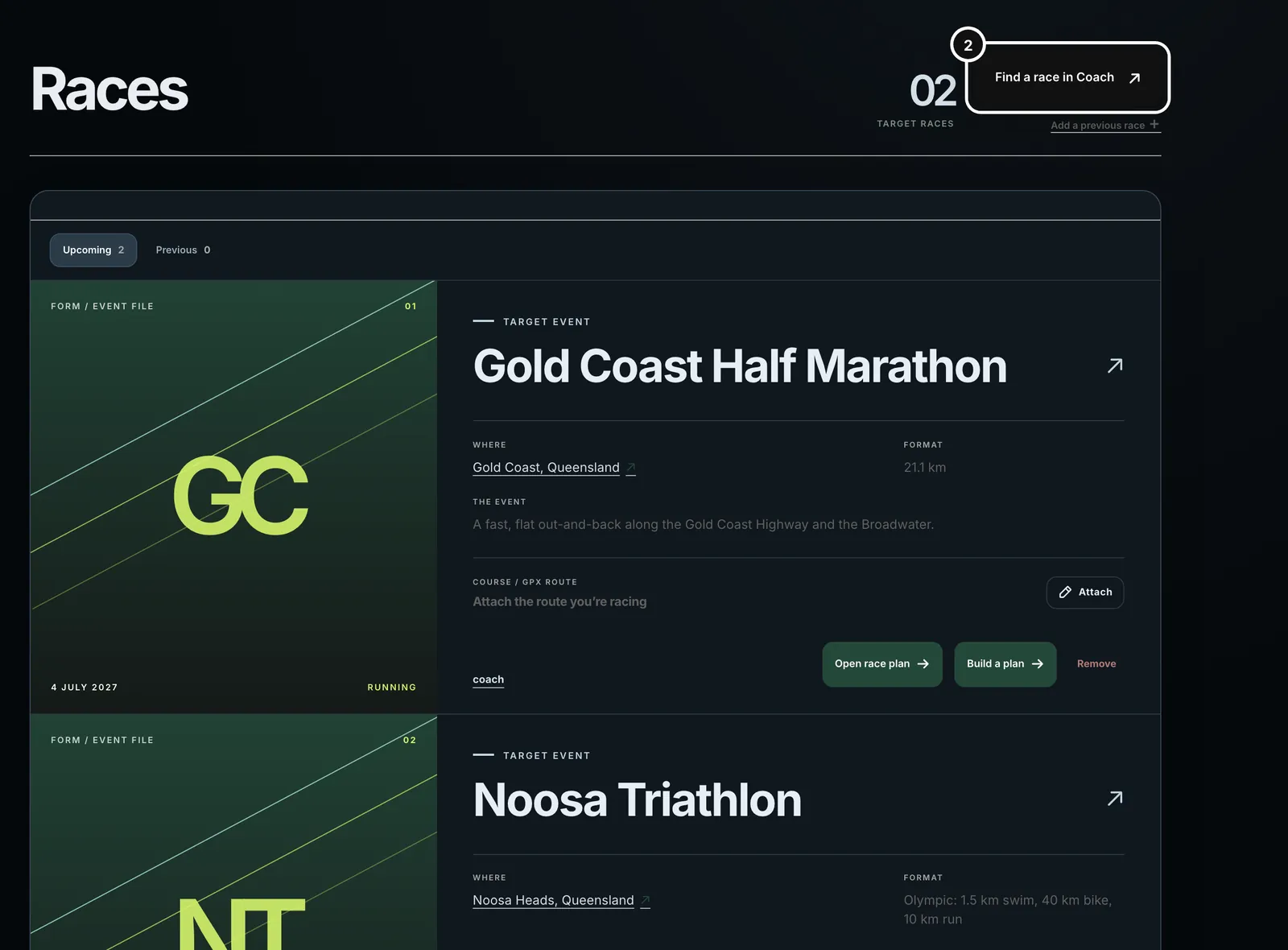
2Click Find a race in Coach to open the coach and ask for a race.
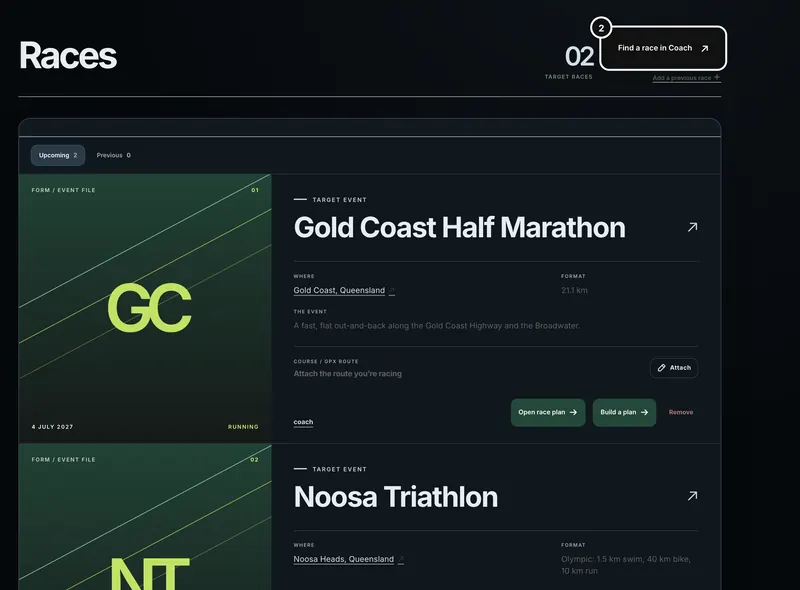
3Once a race is saved, Build a plan opens a coach chat with the race attached. Open race plan opens the race’s own page.


Find a race with the coach
- In Coach, say which race you mean. “I’m doing IRONMAN Australia next year” is enough: if a race you name is not saved, the coach researches it and shows a card without being asked.
- The coach shows up to five race cards with the date, location, distance, a short description and where it found them. If an event has several formats (a full and a 70.3, or a 5 km and a 10 km), each is its own card, and the coach asks which one you mean.
- Check the date and distance against the organiser’s own page: the Open source link on the card goes to where the coach found it. The card shows “Date to be confirmed” if the date is not settled.
- Press Add race & set estimate to save the race and have Form work out your finish time from your current numbers. Press Add race to save it without an estimate. Either way the label changes from Not saved to Saved, and the card then links to Open race plan.
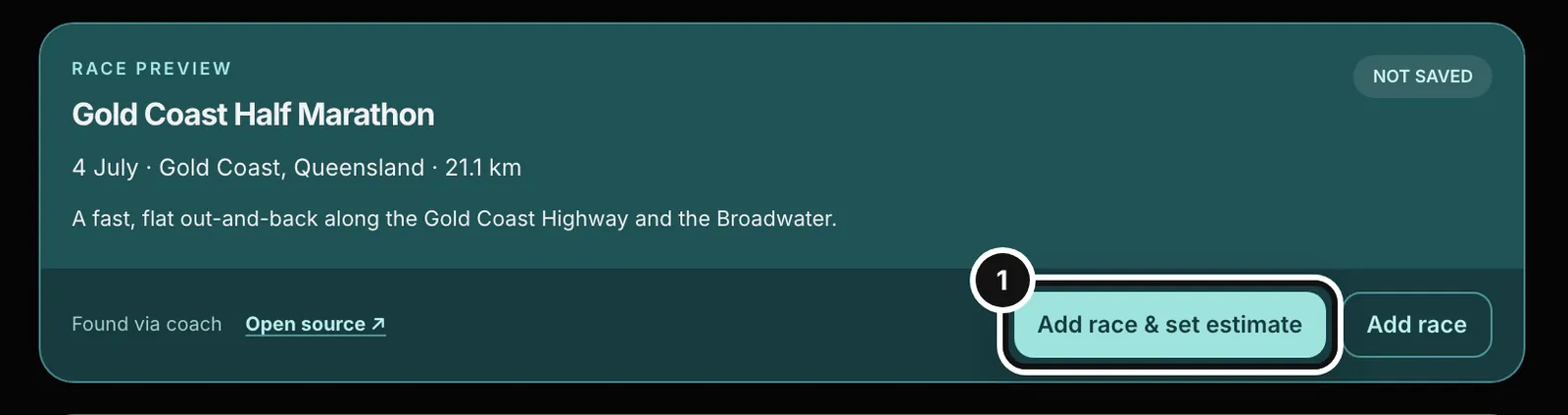
With Add race & set estimate, the race is saved first and then timed from your thresholds and recent sessions. If Form is missing a number it needs, such as a swim pace for a triathlon, the race is still saved and the card says which numbers to add on the race plan. You can change the estimate any time on the race’s page.
You can also ask the coach to add, save or track a race directly. It researches it, drafts the card and tells you it is ready for you to add.
The Races page
Races lists every race you have saved, soonest first, with the number of target races at the top. Races with a date in the past move to the Previous tab.
- Upcoming and Previous tabs, each with a count.
- Find a race in Coach opens the coach. Add a previous race opens a new coach chat that asks to add a race you have already done and match it to your recorded sessions. When a session matches, the race card shows the recorded result (time and distance), with a link to the activity.
- Each card shows the event, date, where, format and a short description. The race’s name (and the arrow beside it) opens its race page, the place opens a map, and Official event source goes to the organiser’s page when the race has one. A past race also has Open this race day in calendar.
- Attach connects a GPX course from your course library to the race. If your library is empty, the picker says to import a GPX file first. With a course attached, the card shows its name, distance and climbing and a small elevation profile; Expand shows the course and Edit changes or removes it.
- Open race plan opens the race’s page: your estimated finish, the race details, and tabs for Scenarios & conditions, Courses, Race guide and Workouts & rehearsals. The article Plan a race and estimate your finish covers it.
- Build a plan opens a new coach conversation with the race attached and the message started for you.
- Remove deletes the saved race after you confirm with Remove race.
What a saved race does
- A race with a date is the end of any plan. When you attach it, the coach treats its date as the race day: a plan or season outline runs to it, and the taper ends on it.
- It appears on your Calendar on its date.
- The coach knows about your upcoming saved races when you chat, so you can say “my race” and it knows which.
- Its page works out an estimated finish from your thresholds and recent sessions, and keeps your own estimate beside it.
- A race with an attached course gives the coach and the estimate the course’s distance and climbing to work from.
Attach a race to a question
Type @ in the coach’s message box and pick a saved race, or just write its name. Up to three races can go on one message. The coach then treats its date, format and distance as fixed.
Fix a wrong card, or delete a race
- The date or distance on a card is wrong. Do not add it. Tell the coach what is wrong (“it’s the 70.3, not the full”) and it drafts a new card. It will not bring back a race you rejected.
- You added the wrong one. Remove it on the Races page, then add the right one.
- You want to change a saved race’s details. Open race plan, edit Race details on the Overview tab and press Save race plan.
- The coach cannot find the race. Give it the organiser’s web address, or the date and distance, and ask again.
Common questions
- Can I add a race myself without the coach?
- Races are added from the coach’s race cards. To add one you have already done, use Add a previous race on the Races page. Once saved, you can edit its details on its race page.
- Does adding a race change my plan?
- No. It gives the coach a date and distance to plan to. Press Build a plan on the race when you want a plan written.
- What is the difference between the two buttons on a race card?
- Add race & set estimate saves the race and an estimated finish worked out from your current numbers. Add race saves only the race; you can work out or type an estimate later on its page.
- What happens to a race after its date?
- It moves to the Previous tab. If you recorded a session on that day, the card can show the result.